SMTP in plain language
Simple Mail Transfer Protocol, or SMTP, is the standard set of rules systems use to submit and relay outgoing email. An application or mail client connects to an SMTP service, authenticates when required, and asks that service to transfer a message toward the recipient’s mail server.
SMTP is primarily about sending. Reading and synchronizing stored mail typically involves other protocols or provider APIs.
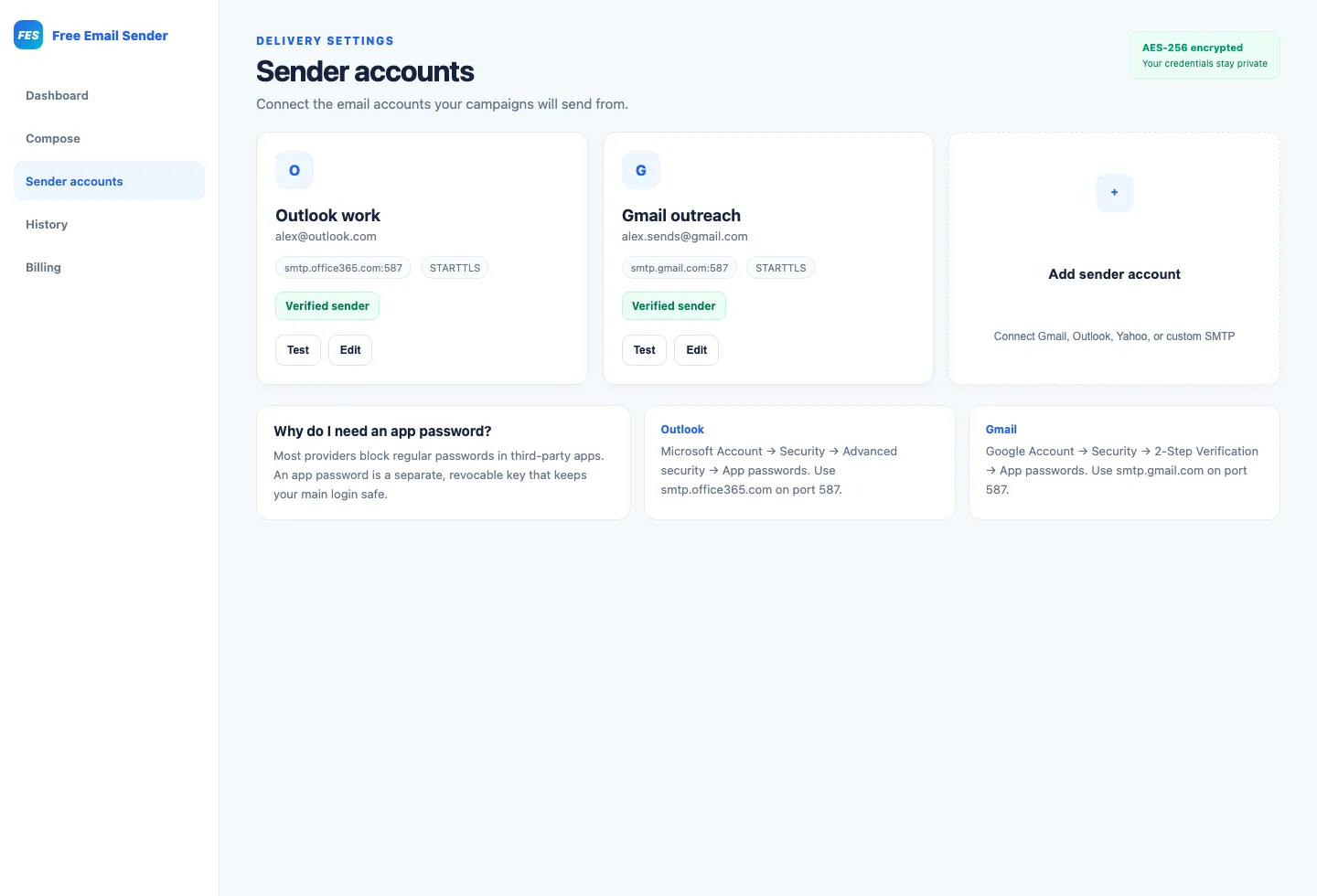
Follow a message from sender to recipient
The sending application supplies an envelope sender, one or more recipients, message headers, and body content. The SMTP service checks policy and credentials, then looks up where the recipient domain accepts mail and attempts a connection.
The receiving system may accept, temporarily defer, or reject the message. Acceptance by one server is an operational milestone, not proof that the message appeared in a particular inbox folder or was read.
- Submission: the client hands mail to its provider.
- Relay: servers transfer the message between systems.
- Acceptance: the destination server takes responsibility.
- Filtering: the destination evaluates and places the mail.
Understand hosts, ports, and encryption
An SMTP configuration normally includes a hostname, port, username, credential, and encryption mode. Providers publish the values customers should use; copying settings from an unrelated service will not work.
Encryption protects the network connection when correctly configured. It does not make unwanted mail acceptable, and it does not replace secure credential storage or domain authentication.
Distinguish account authentication from domain authentication
SMTP authentication proves that a client may use a sending service, often with a password, app password, or token. SPF, DKIM, and DMARC help receiving systems assess whether mail is authorized and aligned with the visible domain.
These controls solve related but different problems. A successful login does not guarantee domain alignment, and properly published DNS records do not grant an application permission to use an SMTP account.
Read response codes and failure types
SMTP servers return status codes and explanatory text. Responses generally distinguish successful actions, temporary conditions that may be retried later, and permanent failures that require correction or suppression.
Store recipient-level responses without exposing them publicly. Retry temporary failures with reasonable delay and limits; do not repeatedly send to a permanently invalid mailbox.
Recognize limits and provider policies
Providers can limit messages per day, recipients per message, connection rate, message size, and concurrent sessions. Those controls protect shared infrastructure and may differ across account tiers.
An SMTP library or bulk sender cannot bypass provider quotas responsibly. Choose infrastructure appropriate to the expected, permission-based volume and comply with its acceptable-use requirements.
Configure SMTP safely
Use the provider’s official setup instructions, prefer modern encrypted connections, and keep secrets in protected environment or secret-management systems. Grant the least access needed and rotate credentials after exposure or staff changes.
Send tests to accounts you control, verify From and reply behavior, and monitor logs for authentication or rate problems. For marketing mail, also maintain consent records, suppression handling, truthful identity, and a functioning unsubscribe path.
- Never commit live SMTP credentials to a repository.
- Restrict dashboard and DNS access.
- Review quotas before a campaign.
- Do not use SMTP to contact unconsenting lists.