Start with a simple bulk email plan
A simple bulk email campaign sends one relevant message to many permission-based recipients while processing each address individually. It is appropriate for requested newsletters, customer updates, event notices, and relevant offers. It is not a shortcut for contacting people who did not ask to hear from you.
Write down the audience, the reason for sending, and the action recipients should take. A focused campaign is easier to segment, review, and measure than a message trying to serve several unrelated goals.
- Choose one primary campaign objective.
- Identify the specific permission-based audience.
- Decide what a useful recipient response looks like.
Build a permission-based recipient list
Use contacts collected through clear signup forms, customer preferences, event registrations, or another documented relationship that supports the message. Keep the source and consent context so your team can answer why each person is on the list.
Requirements vary by location and message type. Review the rules that apply to your organization, recipients, and industry, and do not treat an existing email address as automatic marketing permission.
- Never use purchased or scraped address lists.
- Suppress unsubscribed and previously bounced contacts.
- Make sender identity and signup expectations clear.
Clean, organize, and segment the data
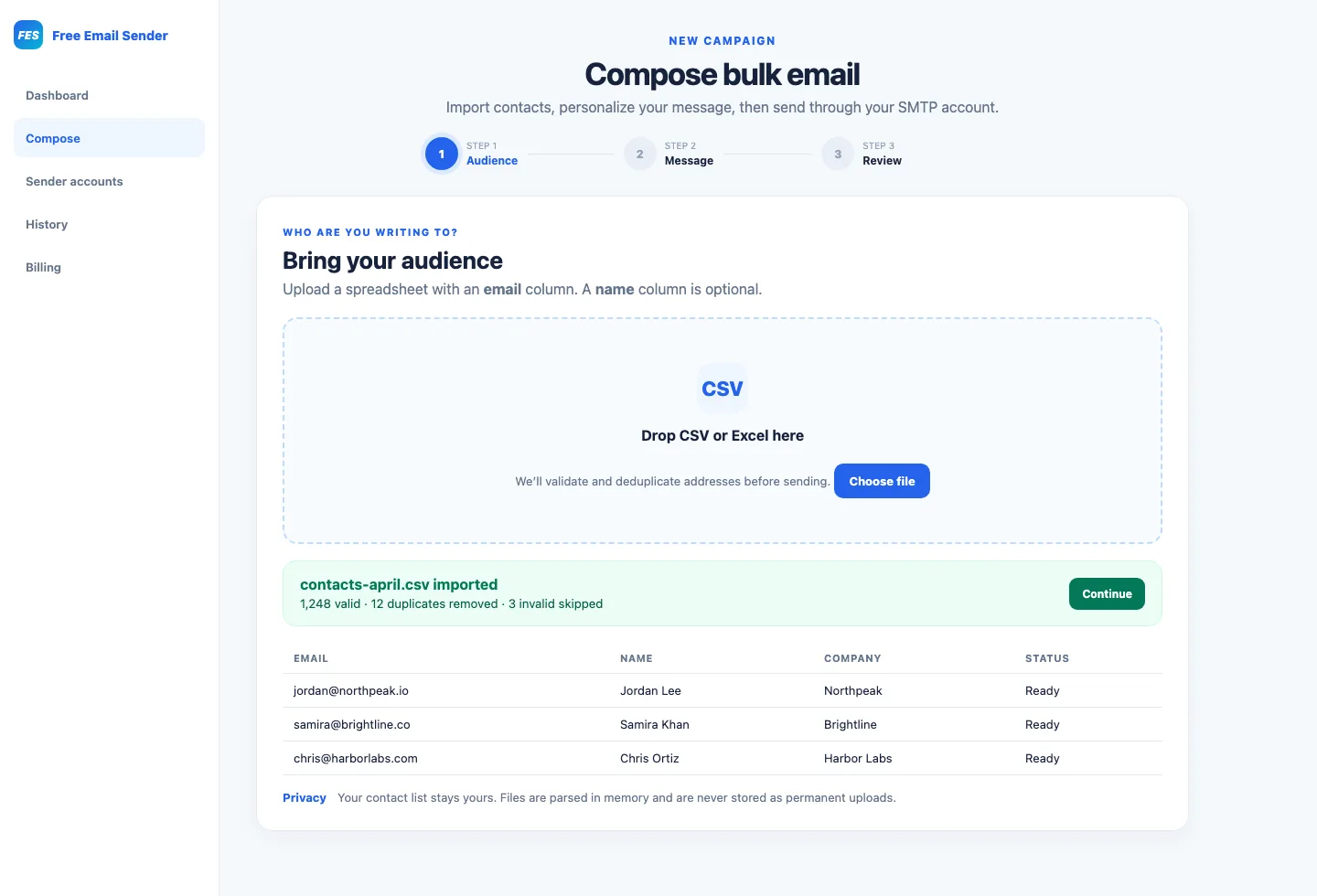
Standardize email fields, remove exact duplicates, and correct obvious formatting errors before import. Preserve suppression data separately so a later upload cannot accidentally restore someone who opted out.
Segment by a meaningful factor such as stated interests, customer lifecycle, location, or product usage. Segmentation should improve relevance, not infer sensitive traits or create intrusive profiles.
Set up a trustworthy sending identity
Send from a domain and name recipients recognize. Configure the authentication supported by your provider, commonly SPF, DKIM, and DMARC, and use protected credentials or app passwords where available.
Confirm provider quotas, rate limits, and acceptable-use terms. Bulk email software cannot override mailbox limits, and aggressive concurrency can create failures even when the campaign itself is legitimate.
- Use a monitored reply address.
- Protect SMTP or API credentials from source control.
- Test authentication before increasing volume.
Create a clear and accessible message
Use an accurate subject line, a recognizable sender, concise body copy, and one clear primary action. Explain why the person is receiving the email when the context may not be immediately obvious.
Use readable type, descriptive link text, image alternatives, and a sensible text version. Include required business identification and an easy, functioning way to unsubscribe from marketing messages.
Test and launch in controlled stages
Send internal tests to several email clients and devices. Check personalization fallbacks, links, layout, reply handling, tracking disclosures, and unsubscribe behavior using the final audience data and sender configuration.
For a new or changed sending setup, begin with an engaged segment and scale gradually within provider guidance. Pause if authentication, bounce, or complaint patterns indicate a problem; sending faster rarely fixes an unhealthy campaign.
Measure results and maintain the list
Review accepted, delivered where available, bounced, complained, unsubscribed, clicked, and conversion outcomes. A sent status means a server accepted the request; it does not promise inbox placement or attention.
Remove permanent failures, honor opt-outs promptly, and document lessons for the next campaign. Compare similar audiences and goals over time rather than chasing a single metric without context.
- Investigate failure categories instead of retrying every address.
- Use engagement signals with awareness of privacy and tracking limits.
- Retain only the contact data your program genuinely needs.