What email deliverability really means
Email delivery means a receiving server accepted a message. Email deliverability goes further: it describes whether the message reaches the inbox, a promotions tab, or the spam folder. A campaign can show a high sent count and still perform poorly if recipients do not recognize the sender or providers distrust the sending pattern.
No tool can promise inbox placement because Gmail, Outlook, Yahoo, and business mail servers make their own decisions. You can, however, improve the signals they evaluate by authenticating the sender, maintaining a healthy list, and sending relevant messages at a responsible pace.
Authenticate your sending domain
SPF identifies servers allowed to send for a domain. DKIM adds a cryptographic signature that helps receivers verify the message was not altered. DMARC tells receiving systems how to handle messages that fail authentication and provides reporting. Configure these records with your domain or email provider before increasing campaign volume.
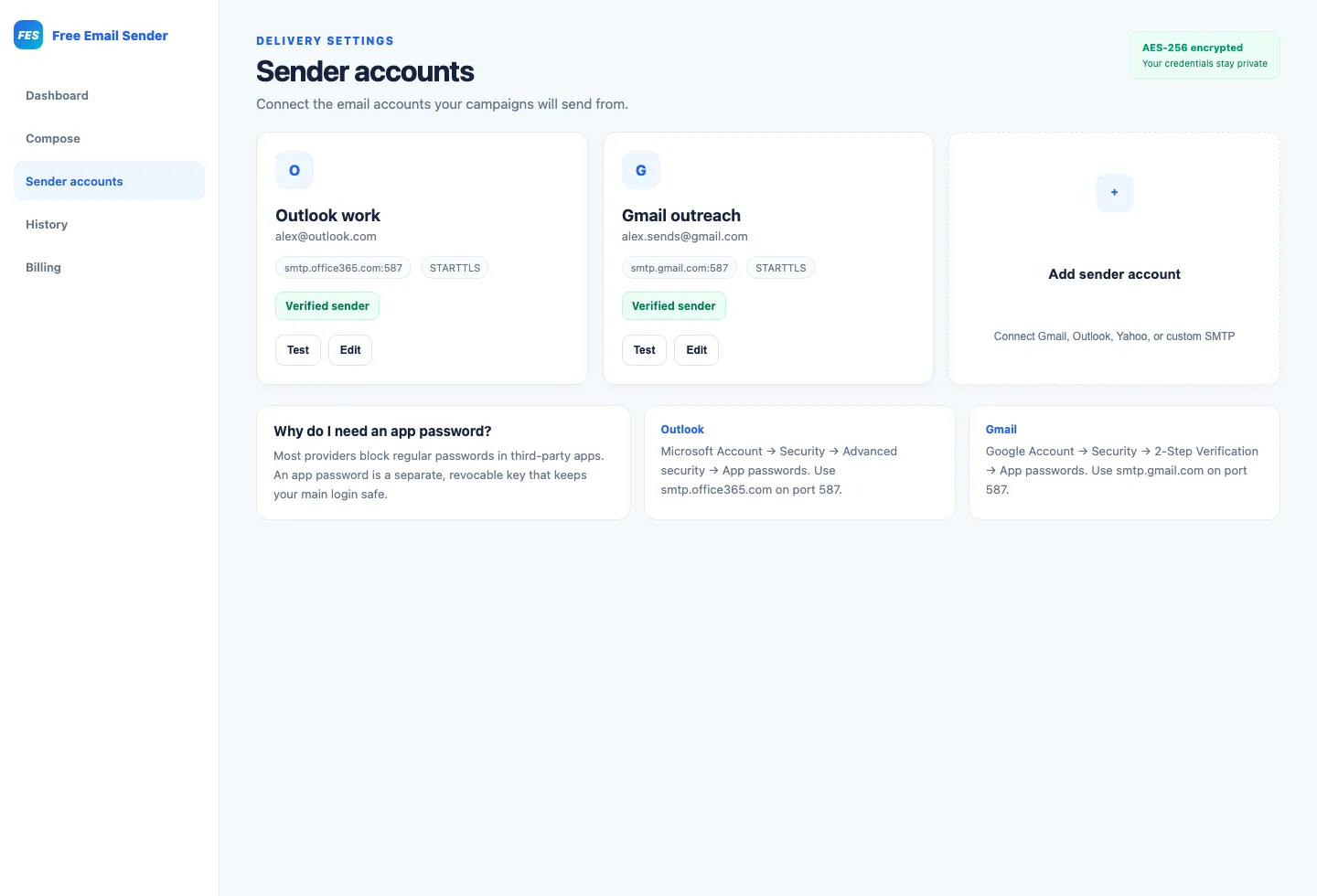
- Use an app password instead of your normal mailbox password where supported.
- Confirm the SMTP host, port, encryption mode, and username.
- Align the visible From domain with authenticated sending whenever possible.
- Test the connection before uploading a large campaign.
Protect sender reputation with list hygiene
Repeatedly emailing invalid, abandoned, or uninterested addresses creates negative signals. Remove hard failures, suppress unsubscribed recipients, and avoid purchased or scraped lists. A smaller permission-based audience usually produces better results than a large unverified database.
Use controlled parallel sending
Parallel workers can shorten campaign processing time, but unlimited concurrency can trigger provider rate limits. Choose concurrency that respects the connected SMTP account, then pace batches so the provider sees predictable traffic. More workers do not override mailbox quotas or daily sending restrictions.
Write messages people expect
Use an honest sender name and subject line, explain why the recipient is receiving the message, and make the primary action clear. Avoid deceptive urgency, excessive punctuation, hidden text, and link-heavy layouts. Include a working method to opt out of future marketing messages.
Diagnose failures instead of retrying everything
A permanent error such as an invalid mailbox should be recorded and removed. A temporary provider response may indicate throttling or an unavailable server, but automatic repeated retries can make the situation worse. Read recipient-level error details, identify the pattern, and correct the underlying list, authentication, or rate problem.